


I am currently developing modules for Microsoft Dynamics 365 Finance and Operations and a big part of devleopment for that platform is working with databases und tables. For testing purposes it is not uncommon to export the database of a test-system and provide that database to the developers so they have realistic data to work against and a configured system.
Sometimes it can happen that you’ll run out of disk space on your h-drive (logs) because the transaction log keeps filling up and your dev-environment doesn’t support disks as big as the customers test staging or prod environments.
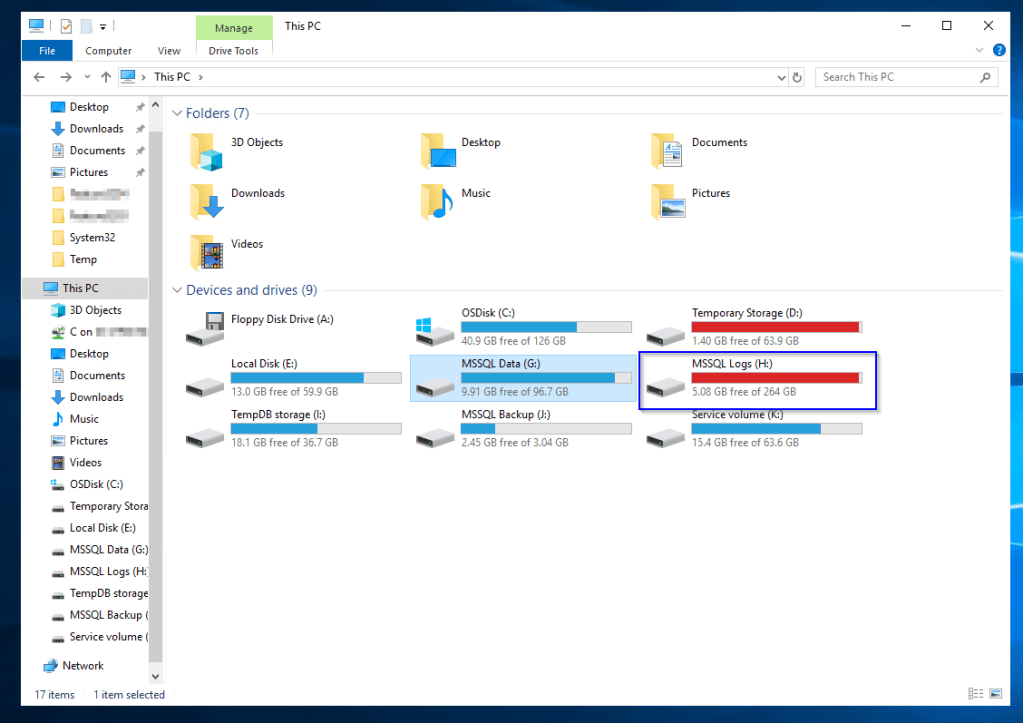
As you can see in the screenshot above my logs partition is almost full and i can not import another database because my sqlserver keeps telling me ‚There is not enough space on the disk‘. When i look into that disk i can see the following files:

So obviously AxDB (main database for everything d365 related) is creating too much logs. Shrinking files and database via SSMS (SqlServerManagementStudio) didn’t produce effect i hoped for so i searched a while and found a nice solution thats working for dev environments.
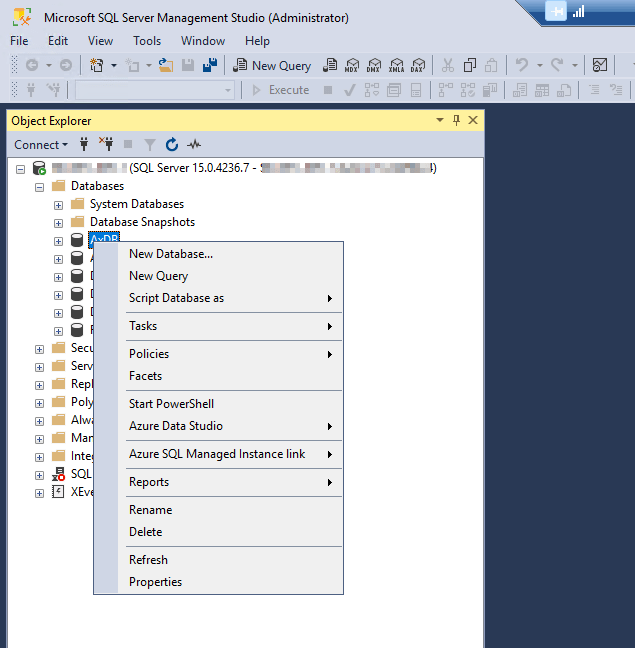
Open a new query on the AxDB-Database (Right-Click on Databases\AxDB -> New Query) and enter the code code below.
USE AxDB;
GO
-- Truncate the log by changing the database recovery model to SIMPLE.
ALTER DATABASE AxDB
SET RECOVERY SIMPLE;
GO
-- Shrink the truncated log file to 1 MB.
DBCC SHRINKFILE (AxDB_UAT3_log, 1);
GO
-- Reset the database recovery model.
ALTER DATABASE AxDB
SET RECOVERY FULL;
GO
What does this do? This will set the recoverymodel of the database to ‚SIMPLE‘ so that the data in the ldf-file is no longer needed, shrink the ldf-file by removing the now no longer needed transaction data and then restore the original recovery model mode of the database.
As you can see the first parameter for ‚SHRINKFILE‘ does not fit the name of the ldf-file. The logical name and the filename can be different values. You can look up the logical name of the logfile when you rightclick on the AxDB database and select properties and look in ‚Files‘:

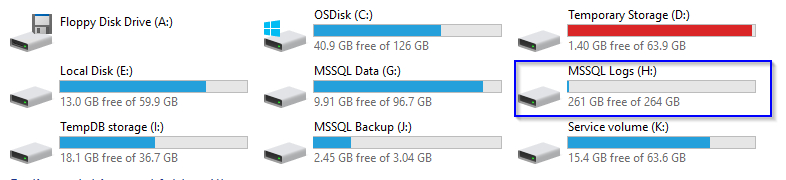
When i now execute the sql snippet step by step the ldf file will be shrinked to a minimum size and my mssql-logs partition will have more free space.

 Random code
Hinterlasse einen Kommentar